
How to Use EqualSubs
1. Select Your Game Format
Choose how your game is structured:
Two equal halves
Four quarters
No breaks

2. Set the Period Duration
Select the length of each period. For example, choosing 10 minutes per period with four quarters results in a 40-minute game.

3. Manage Player Names
- Click in the Player Name box to edit a name.
- Remove a player using the rubbish bin icon.

- Add new players with the Add Player button.

Once your players are set, you’re ready to calculate your rotations.
4. Advanced Settings
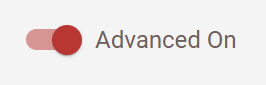
Enable Advanced Settings using the toggle at the top left. This allows you to:
Specify which players must start the game
Specify which players must finish the game
5. Substitution Staggering
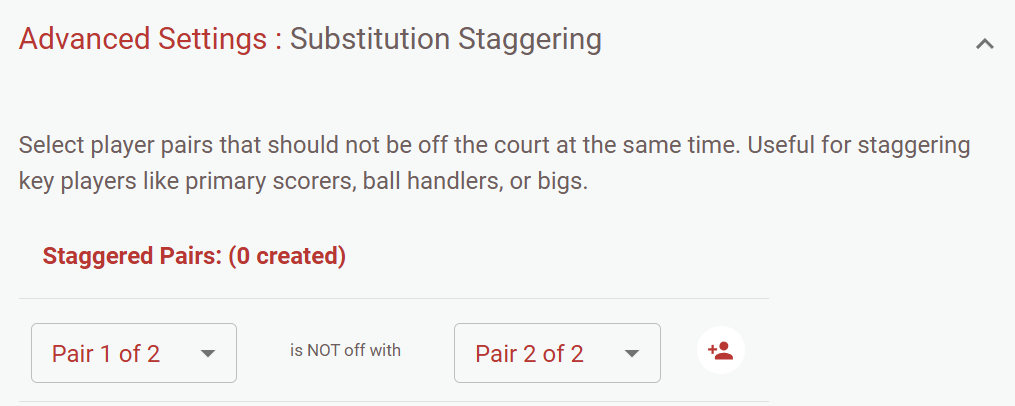
The Substitution Staggering feature lets you select pairs of players that should never both be off the court at the same time.
This is especially useful for teams with:
Two key scorers
Two primary ball handlers
Two big players
It ensures at least one of these players is always on the court.
6. Save Your Team
Create an account to save your team for future use. This makes it easy to load your roster for the next game.
7. Print Your Substitution Plan
Click the Print Substitution Plan button to generate a printer-friendly version of your rotations.